
We help your team get up to speed with BricsCAD quickly from first use to advanced workflows.
Choose the right BricsCAD training for your team or speak to us and we’ll guide you.
Not sure where to start?
• New to BricsCAD → Start with Essentials Training
• Moving from AutoCAD® → AutoCAD to BricsCAD Training
• Improving team efficiency → CAD Standards & Workflow Training
• Working in a specialist area → Explore Civil, BIM, or Mechanical Training

Move from AutoCAD to BricsCAD without disrupting your workflow. This training helps your team get up to speed quickly using the tools and workflows they already know.
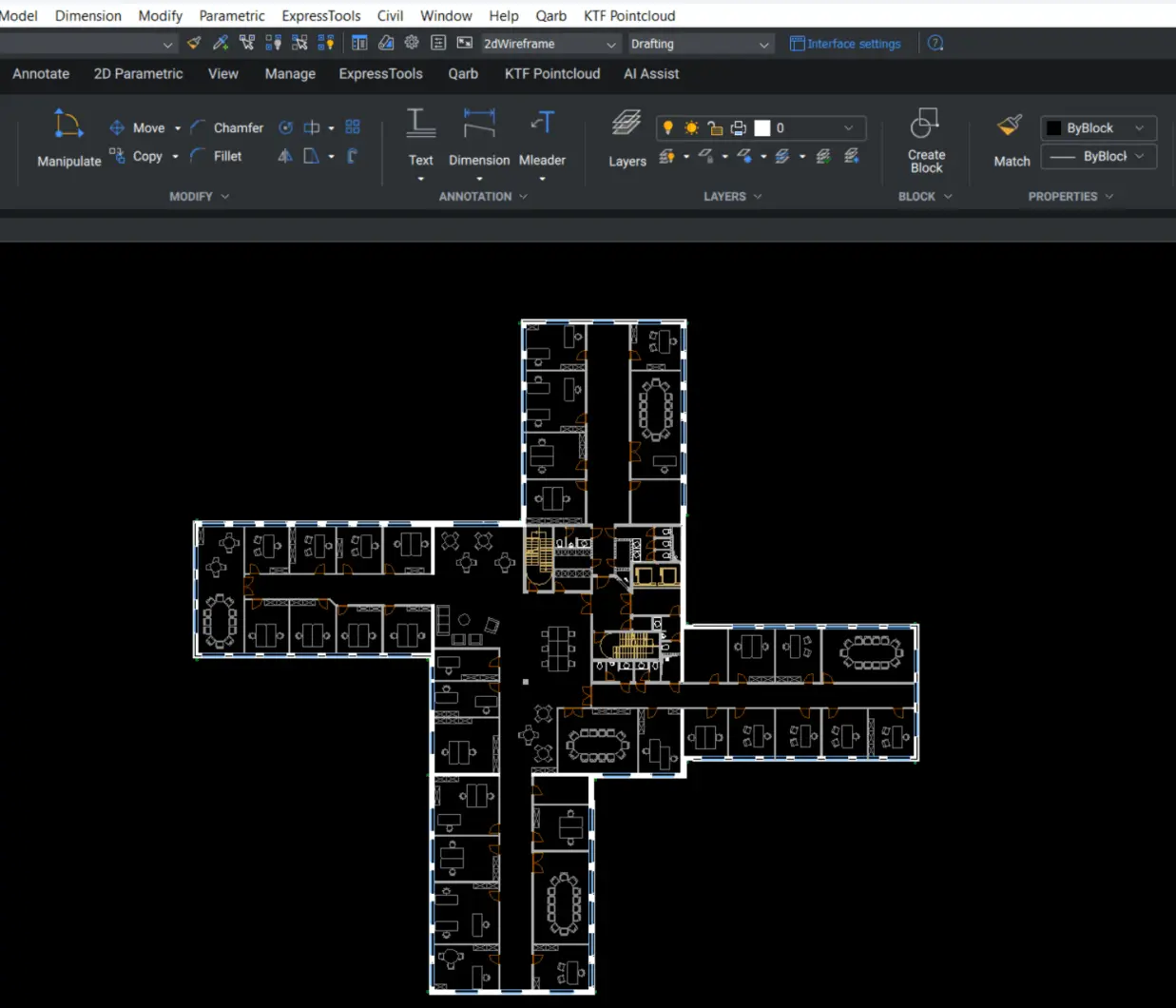
Build confidence in BricsCAD from day one. This training helps new users quickly learn the core tools and workflows needed to produce clear, accurate drawings.
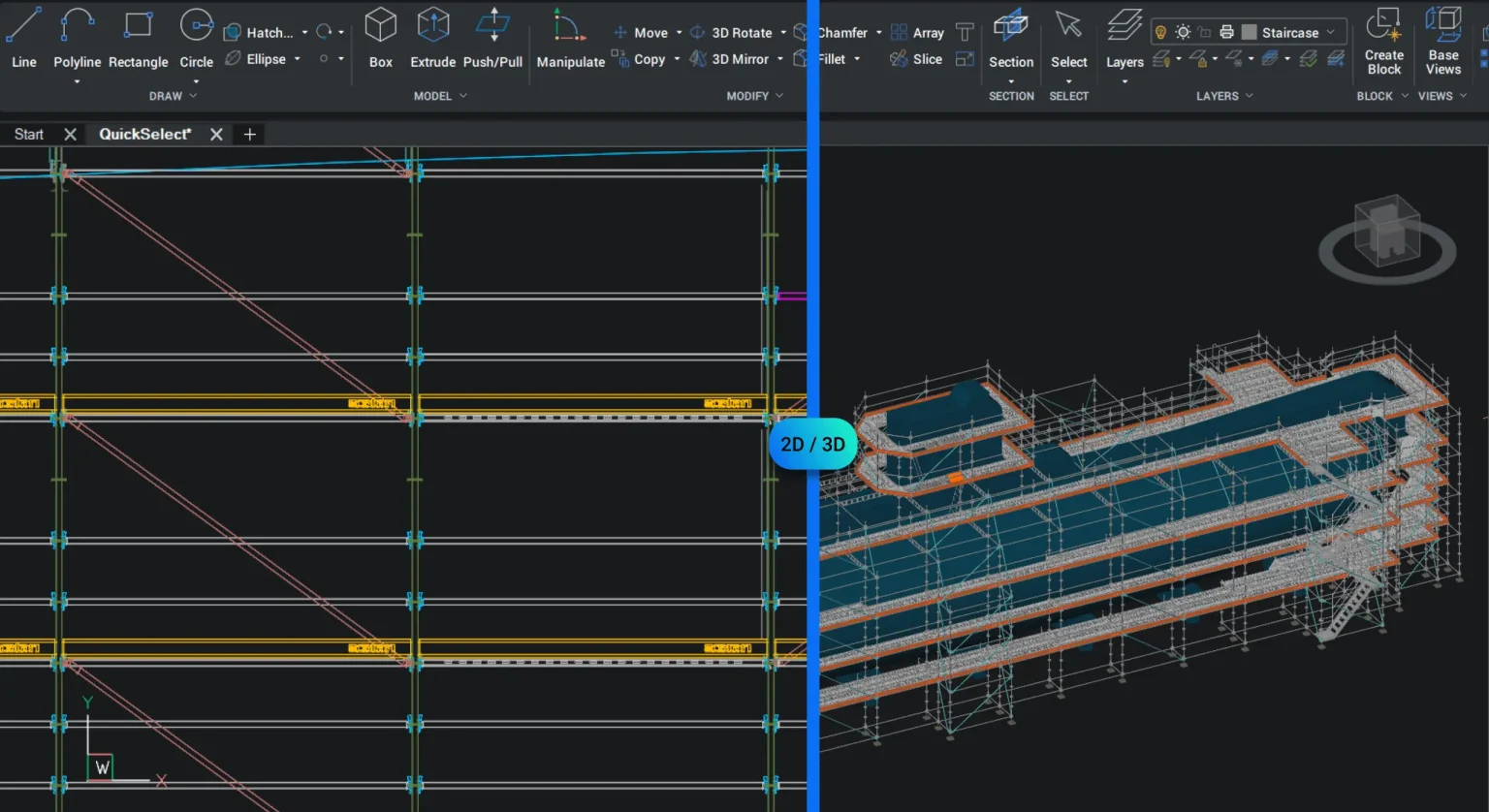
Move beyond 2D and unlock 3D workflows in BricsCAD. This training helps your team develop practical 3D modelling skills to create, edit, and work with real-world models.
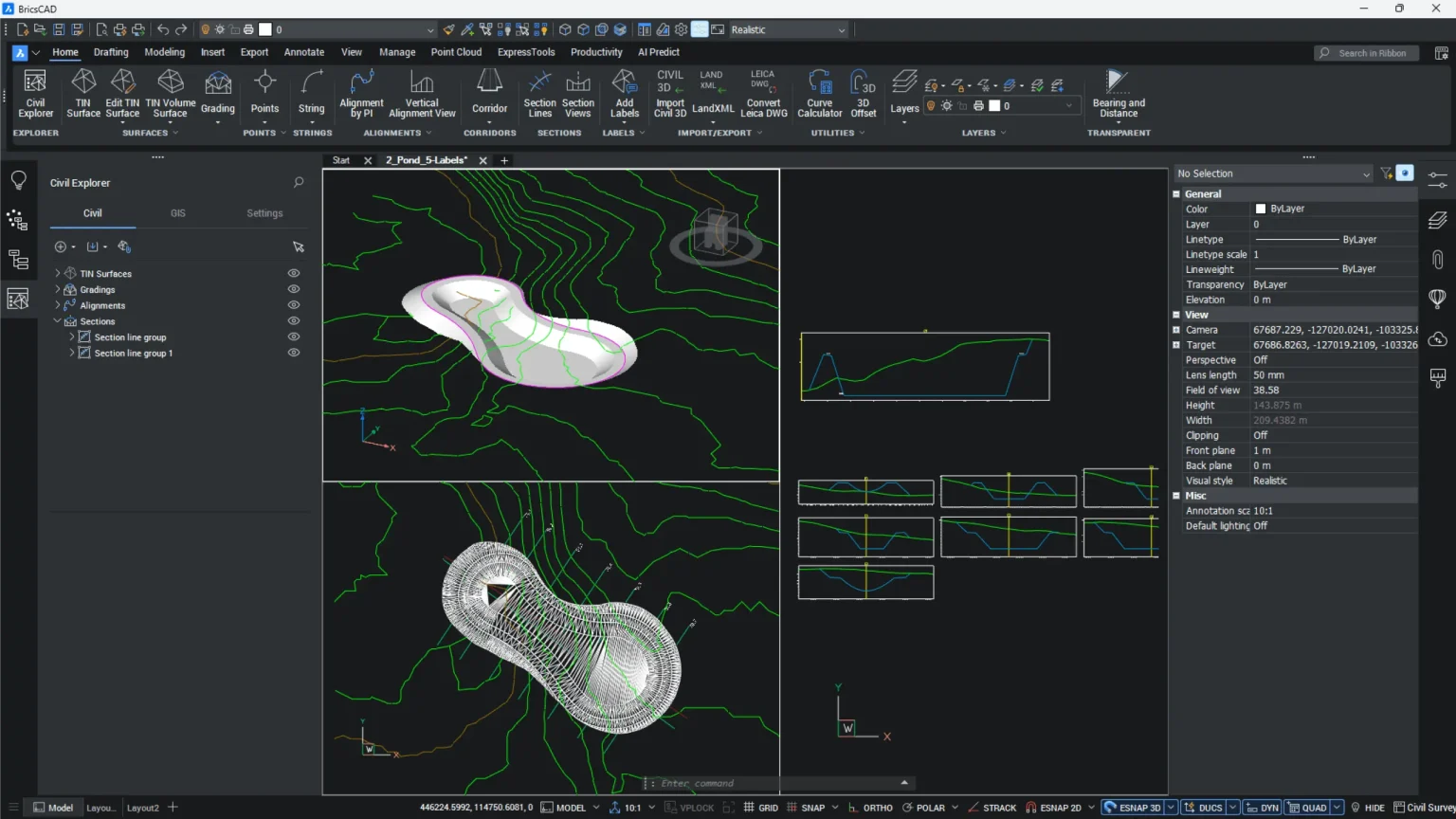
Work efficiently with survey data and point clouds in BricsCAD. This training focuses on real-world workflows used by surveyors and civil engineers, helping your team work with drawings, data, and point cloud information effectively.
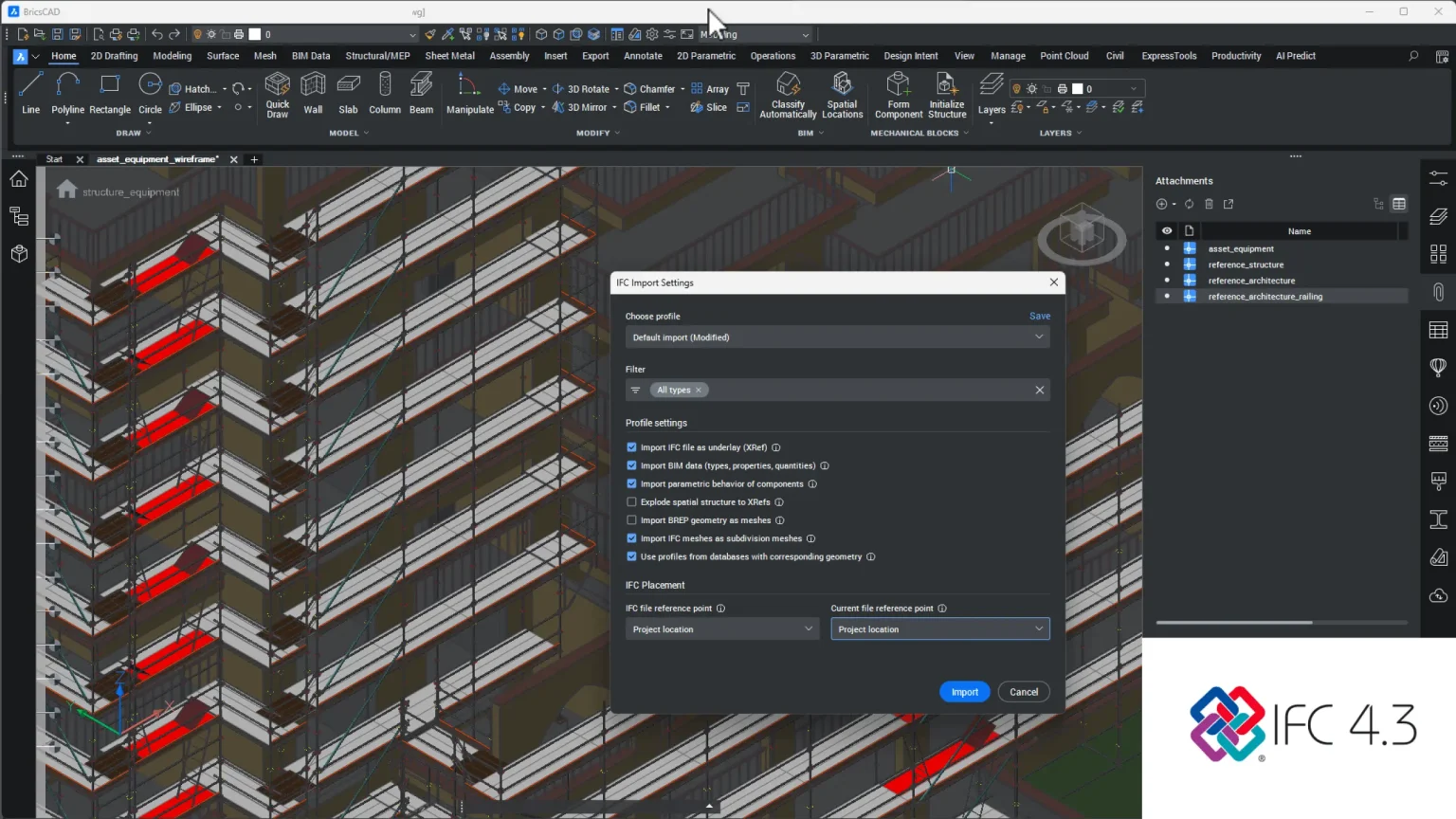
Understand and use BIM data in real projects with BricsCAD. This training focuses on working with IFC models and extracting useful information, helping your team navigate, check, and use BIM data effectively.
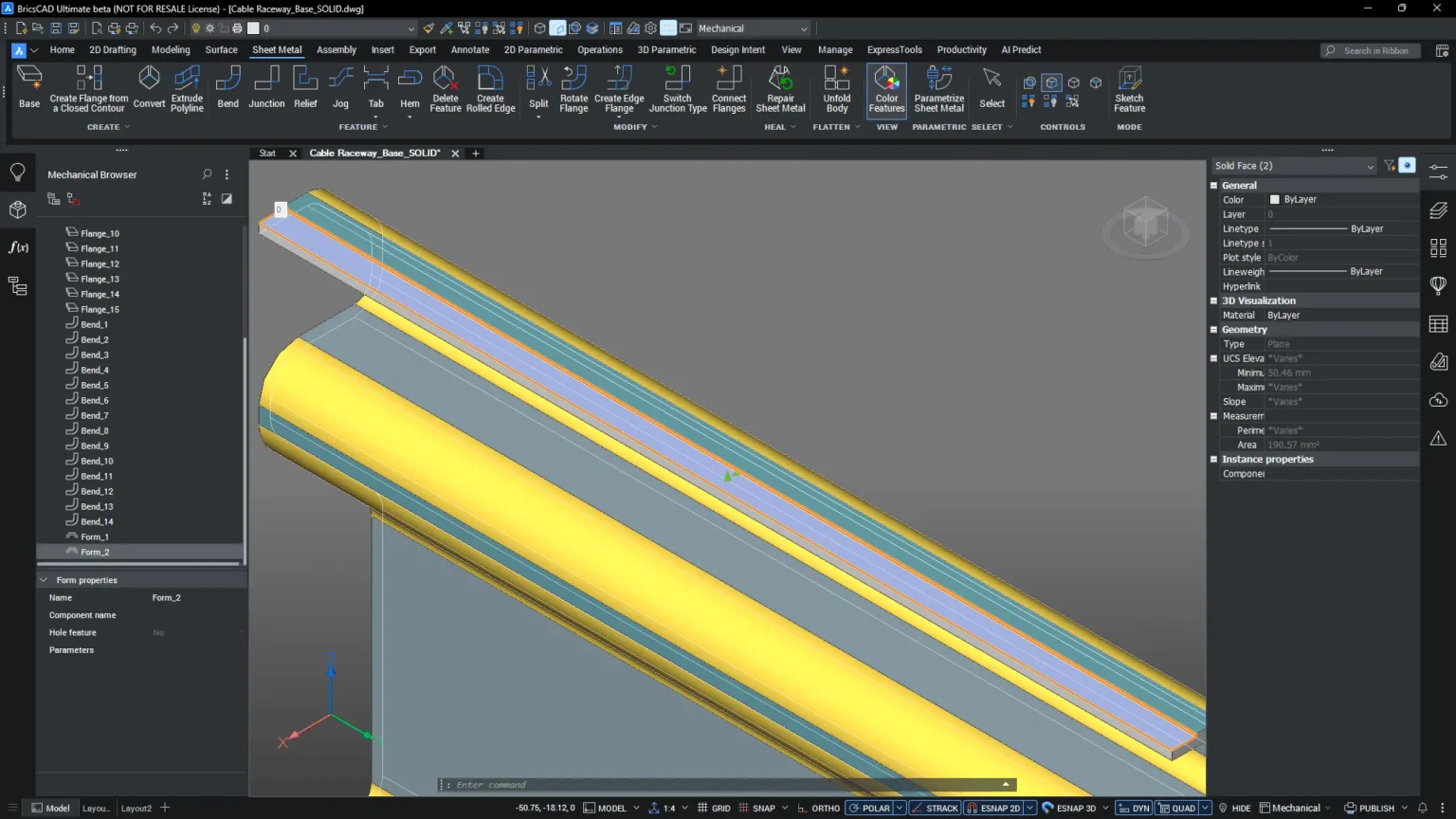
Improve 2D and 3D mechanical design workflows in BricsCAD. This training focuses on real-world use of drawings and assemblies, helping your team produce accurate, production-ready outputs.
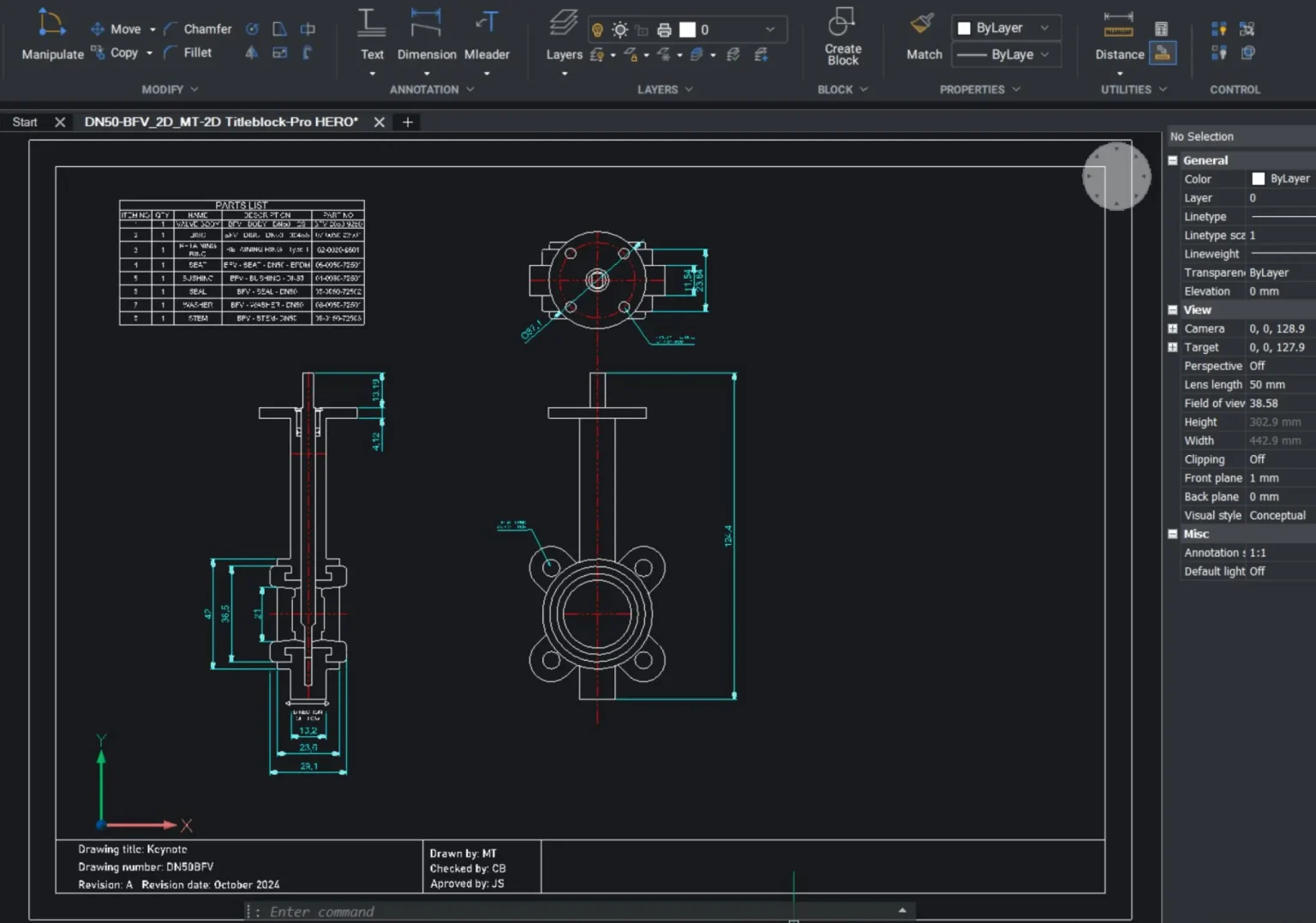
Improve consistency and efficiency across your team with clear CAD standards and best practice workflows. This training helps you define, implement, and maintain standards that keep projects organised and running smoothly.
Your team doesn’t need generic training.
Every training session is designed around your workflow, your projects, and how your team works day to day.
We combine the right elements from our courses to focus on your specific challenges, whether that’s improving efficiency, standardizing processes, or getting your team up to speed quickly.
The result is training that’s practical, relevant, and immediately useful.
Not sure what training your team needs? We’ll help you map out the right approach.
We’ll review your requirements and confirm if a Proof of Concept is the right approach before getting started.
We’ll help you understand what’s active, where, and what to do next.